More product groups & connection components
View the product groups for your installation. The right version depends on your equipment and installation.


Victron Phoenix 12V/250 VE.Direct
Victron Phoenix 12V/250 VE.Direct
Low stock: 2 left
Couldn't load pickup availability
Direct verzendbaar of meestal binnen 24 uur af te halen.
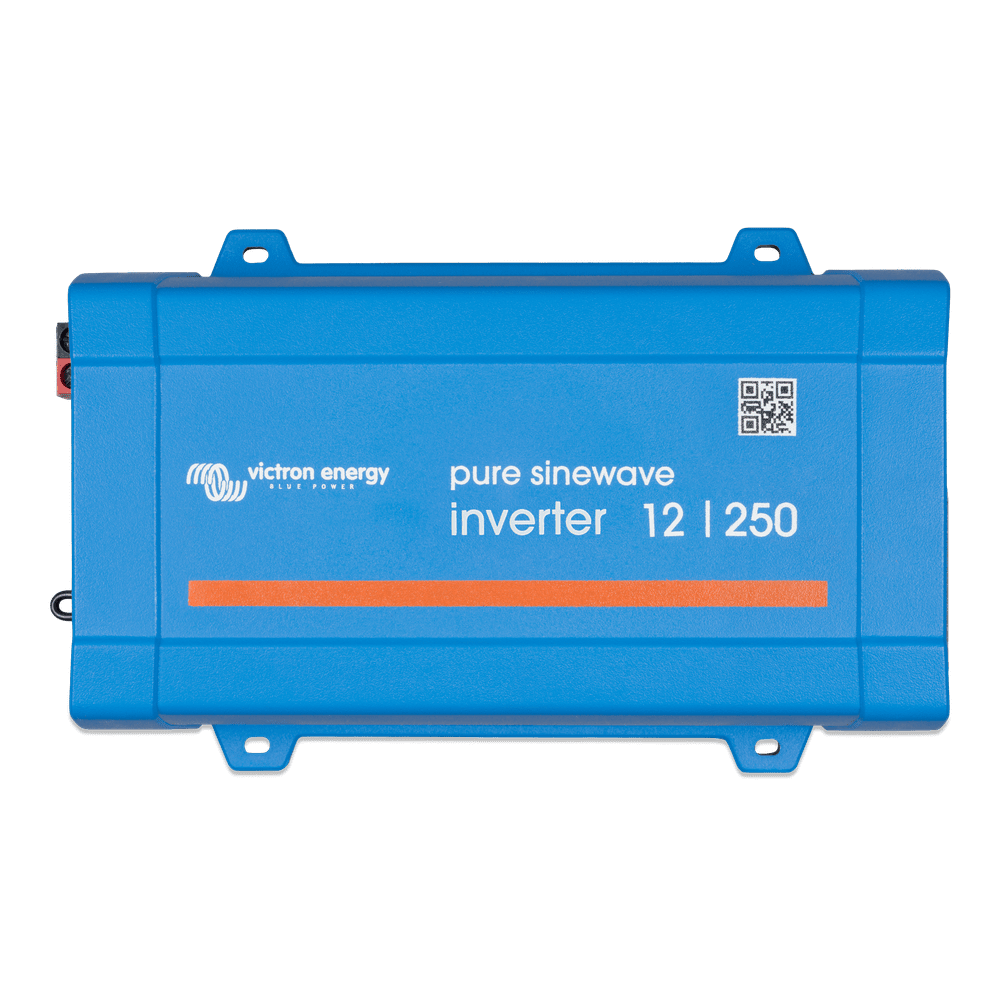
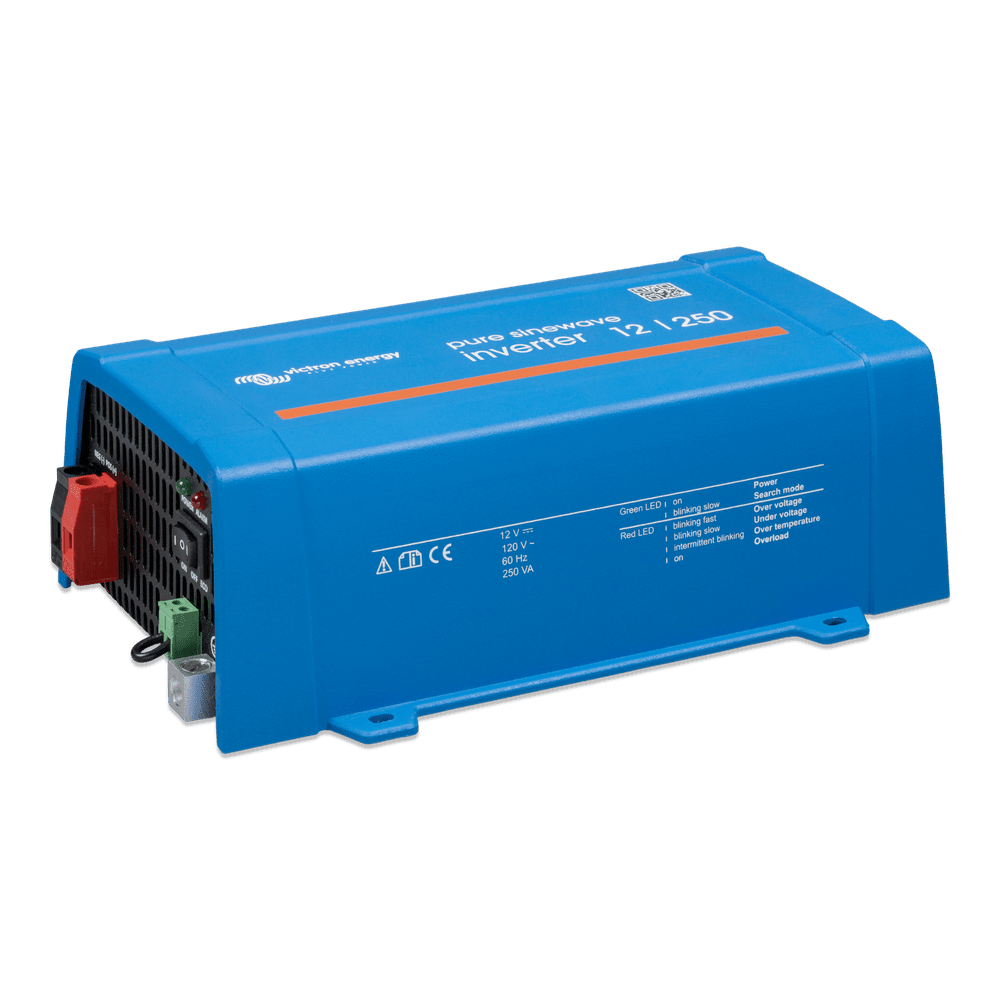
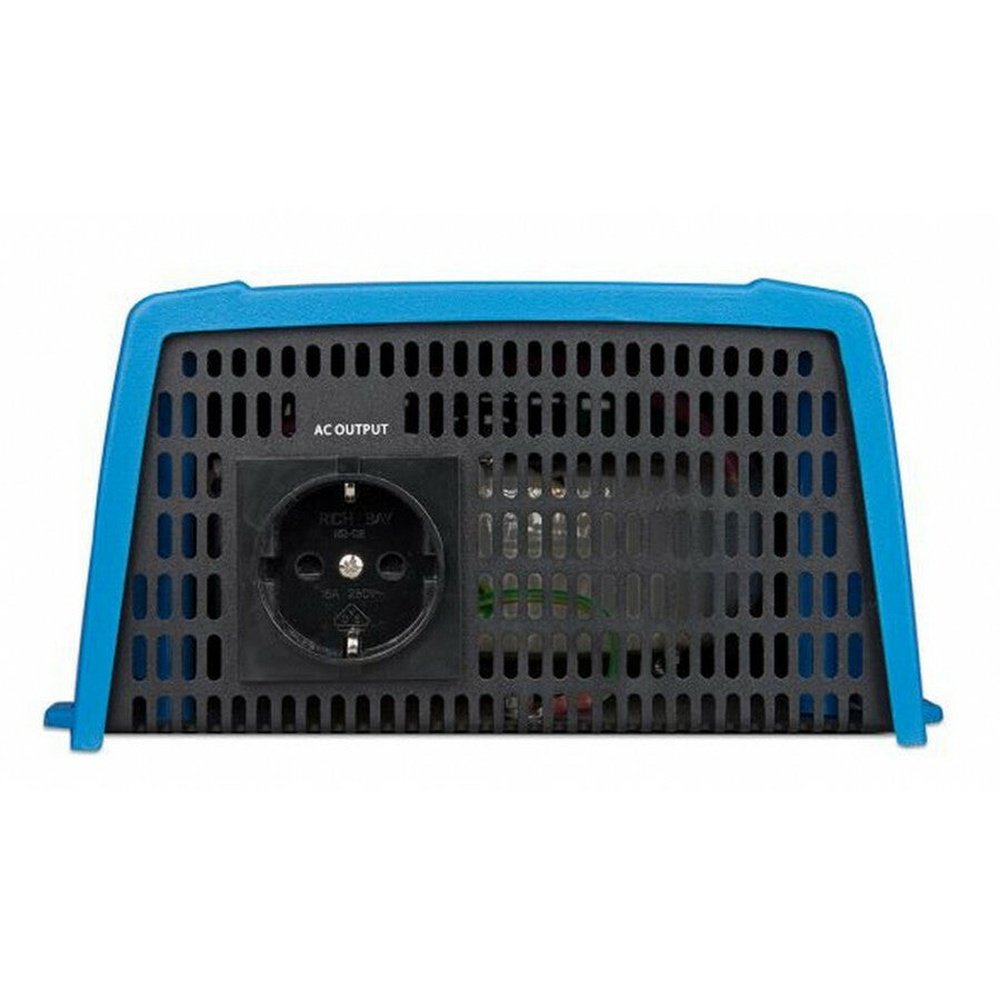
Charging your laptop or camera battery without mains electricity? The Victron Phoenix 12/250 VE.Direct converts power from your 12V battery to 230V. This compact pure sine wave inverter with Schuko socket is suitable for small chargers and electronic devices in your camper, boat or off-grid installation.
This version delivers 200 W continuously at 25 °C and weighs 2.4 kg. A practical choice if you mainly want to connect small appliances. Use the on/off/ECO switch to operate the inverter directly; optional VE.Direct accessories also allow you to read out and configure it.
What is the Phoenix 12/250 suitable for? ▾
This inverter is suitable for devices with limited power consumption. Think of:
- A suitable laptop adapter: for charging or working on the go.
- Camera battery chargers: recharging your batteries during a trip.
- Phone and tablet chargers: using your existing 230V mains chargers.
- A small television or other electronics: depending on the power consumption and inrush current.
250 VA: how many watts are available? ▾
The 250 VA rating does not mean you can use 250 W continuously. This version delivers 200 W at 25 °C and 175 W at 40 °C. When choosing, take the temperature at the installation location into account.
The peak power of 400 W is briefly available for switching on a load. It is not continuous power.
Pure sine wave and ECO mode ▾
The pure sine wave output is suitable for electronic devices and chargers that fall within the power limits.
In ECO mode, the inverter goes into standby when the load is insufficient. It periodically checks whether power is required again. This limits its own consumption when the connected equipment is switched off.
Small chargers may not be properly detected in ECO mode. In that case, adjust the detection settings or use the normal on mode. Switch off the inverter when you do not need it.
Specifications & dimensions ▾
Victron Phoenix 12/250 VE.Direct
PIN121251200
12 V DC
230 V AC, Schuko
50 Hz, switchable to 60 Hz
Pure sine wave
250 VA
200 / 175 W
400 W, short-term
87%
4.2 W
0.8 W at default settings
2.4 kg
86 × 165 × 260 mm
Bluetooth and VictronConnect ▾
This inverter has no built-in Bluetooth. For wireless reading and configuration via VictronConnect, use the separately available VE.Direct Bluetooth Smart dongle.
A VE.Direct-to-USB interface is available for connecting to a computer. The VE.Direct port is a communication connection, not a USB charging port.
Battery, cabling and installation ▾
Connect the inverter to a suitable 12V battery. The required capacity depends on your devices and how long you want to use them. Also check whether the battery and any BMS can provide sufficient discharge current.
- Keep battery cables short and size the cable cross-section according to the current, cable length and voltage drop.
- Place a suitable cable fuse at the positive terminal of the battery.
- Mount the inverter in a dry, well-ventilated location, with free space for cooling.
- When connecting to a fixed 230V installation, also ensure that earthing, protection and any mains switching are correctly carried out.
Frequently asked questions ▾
Is this inverter sufficient for my laptop?
That depends on the adapter. Check the power consumption and take other devices you connect at the same time into account. Powerful gaming and workstation laptops may require a larger inverter.
When should I choose the Phoenix 12/375?
If you need more power or want to connect multiple devices at the same time. The Phoenix 12/375 from our range delivers 300 W continuously at 25 °C; this 12/250 delivers 200 W.
Does it work without a Bluetooth dongle?
Yes. You simply operate the inverter with the on/off/ECO switch. The dongle is optional.
Can I use a battery larger than 60 Ah?
Yes. 60 Ah is not the maximum battery capacity. A larger suitable 12V battery can provide a longer operating time, but does not increase the inverter's output power.
Are you unsure if this model is right for you?
Send Faraday Energy the details or a photo of the type plate of your devices . Mention which ones you want to use at the same time and which battery you have, and we will help you find the right solution.
Technical data & manufacturer document
- Battery voltage
- 12 V
- Power (25°C)
- 250 VA · 200 W
- Connection
- VE.Direct
These are the continuous power ratings at 25°C, not peak power ratings. VA is apparent power; W is real power. The available output performance decreases at higher temperatures and also depends on the load. This data applies to the product series specified in the manufacturer's document.
View the manufacturer document ↗