Leverbaar binnen 2–4 werkdagen Niet op voorraad in Raalte; afhalen kan na bestelling.
Bestel vooraf; we laten weten zodra het klaarligt.
Specialist in motorhome electricsPractical knowledge and experience since 2014
Carefully selectedComponents we trust and use ourselves
Personal SupportOne point of contact for questions about your order
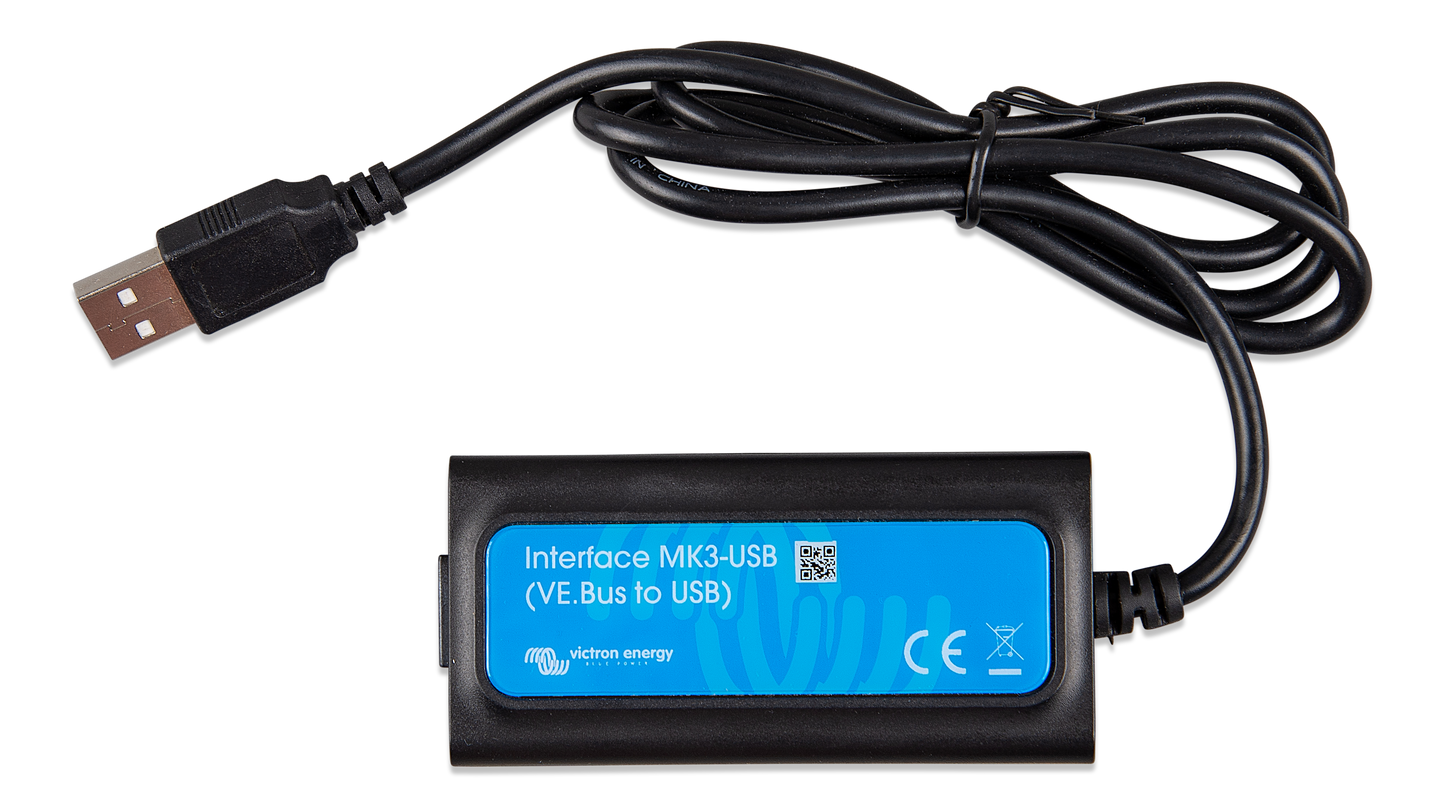
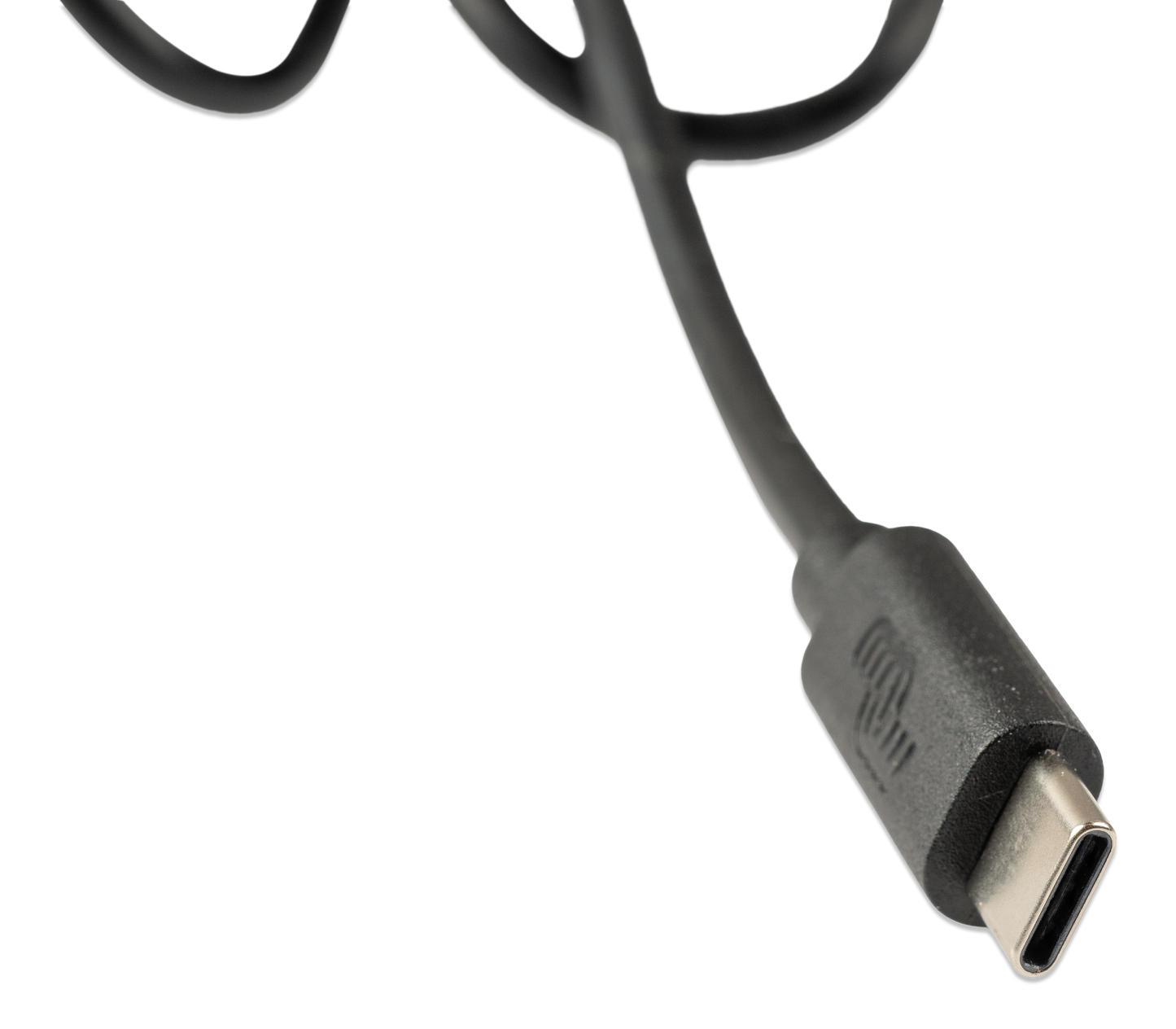
With the Victron Interface MK3-USB-C, you can connect a VE.Bus inverter or inverter/charger directly to a computer or other suitable USB-C device.
For VE.Bus products
USB-C connection
For VictronConnect and VEConfigure
Application
Use the interface for configuring, reading out, and performing firmware updates on compatible VE.Bus products, such as MultiPlus and Quattro.
Compatibility
The Victron installation must have a VE.Bus connection. Before ordering, check that the device and operating system you are using support this USB-C version.
Connection
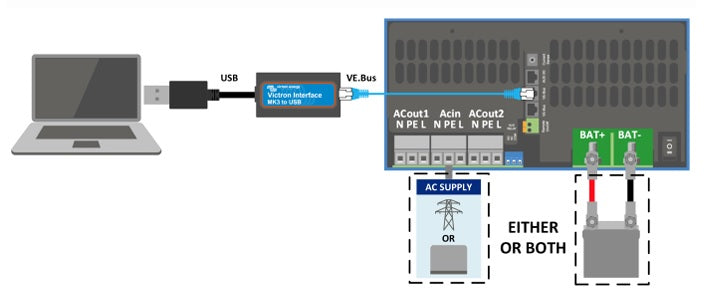
Connect the VE.Bus side with a suitable RJ45 UTP cable and connect the USB-C to the configuration device. Then follow the steps in VictronConnect or VEConfigure.
Good to know
This is not a permanent GX monitoring solution and does not add Bluetooth. Remote monitoring usually requires a GX device.