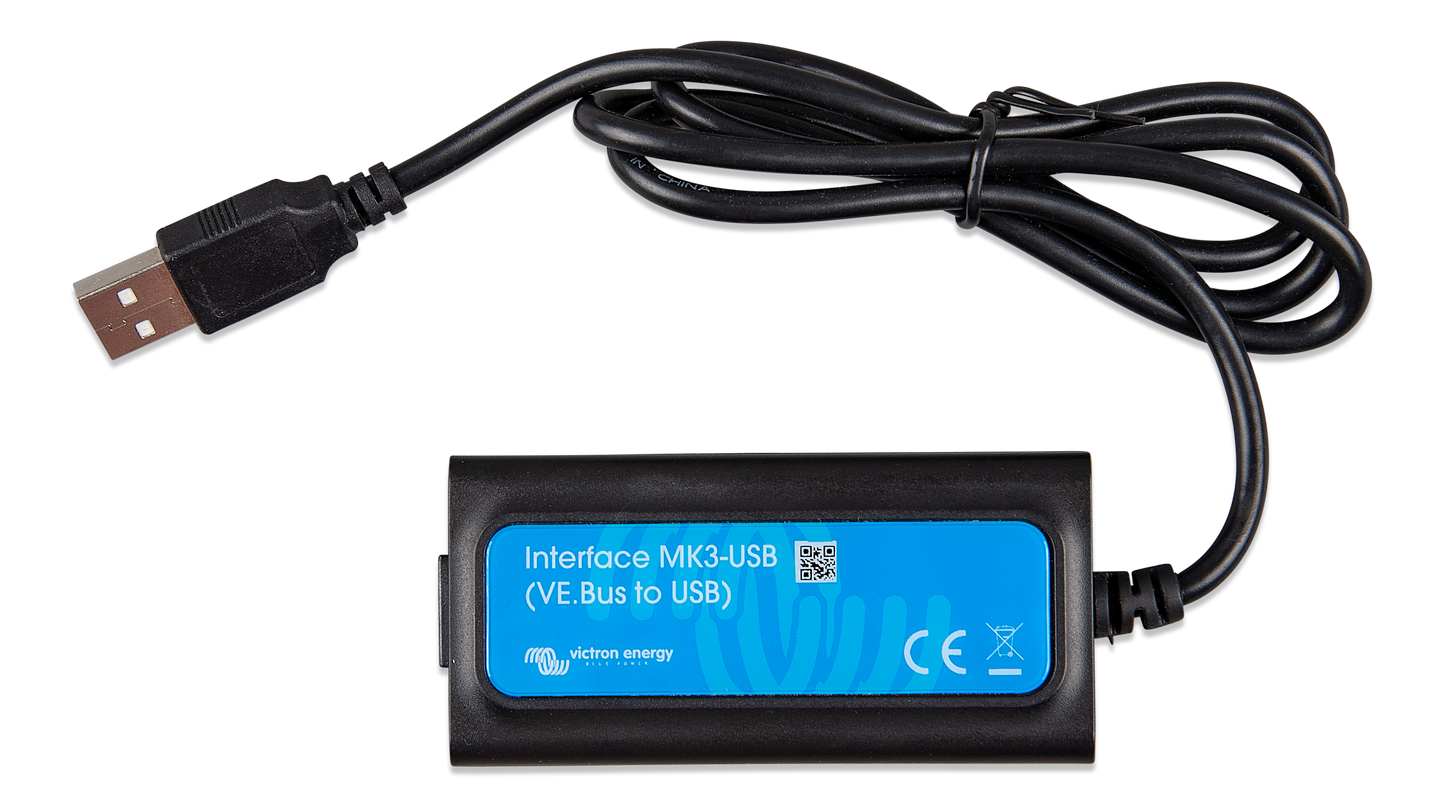
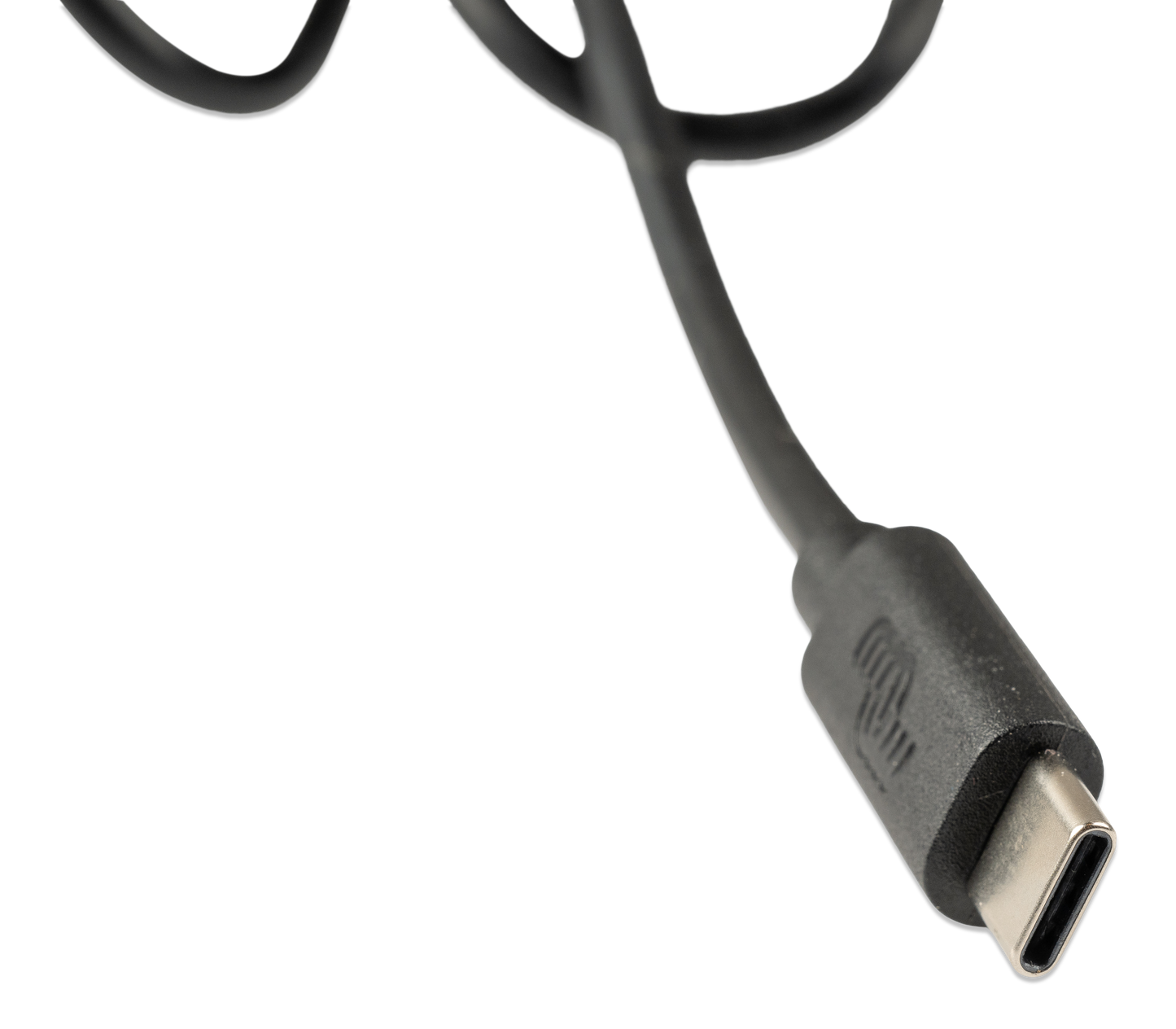
Victron Interface MK3-USB-C (VE.Bus to USB-C)
Victron Interface MK3-USB-C (VE.Bus to USB-C)
In stock
Couldn't load pickup availability
Victron Interface MK3-USB-C (VE.Bus to USB-C) – Easy configuration for your Victron system
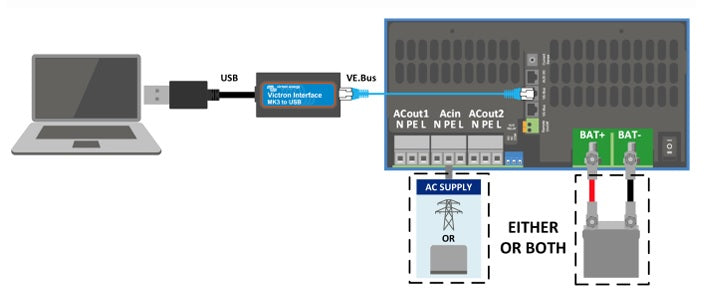
Do you want to quickly and easily set up, update, and manage your Victron MultiPlus, Quattro or Phoenix? With the Victron Interface MK3-USB-C (VE.Bus to USB-C), you can connect your Victron device to a laptop or Android device via USB-C. Use the VictronConnect software to optimally configure your inverter or battery charger. Ideal for campers, boats, and off-grid systems!
Key benefits:
- Simple system configuration – Tailor your inverter or charger precisely to your energy needs.
- Secure firmware updates – Update without hassle and without an internet connection.
- Supports various devices – Compatible with MultiPlus, MultiPlus-II, Quattro, EasySolar, and Phoenix with a VE.Bus port.
- Fast and stable connection – Use a standard RJ45 UTP network cable (not included) for reliable data transfer.
What can you configure with it?
The VictronConnect software offers extensive configuration options to optimize your system. Here are some commonly used functions:
- AC1 Input Current Limit – Limit the maximum current draw from mains power or a generator. Ideal for situations with limited power supply, such as campers, boats, and off-grid installations.
- DC Input Low Voltage Cut-off – Protect your batteries from deep discharge by setting a minimum voltage threshold. This prevents damage and extends the lifespan of your batteries.
- PowerAssist – Provide additional power during peak loads. When the mains voltage or generator provides insufficient current, the inverter automatically supplements this with battery power. This prevents power outages and keeps your system stable.
Why choose the MK3-USB-C Interface?
This interface is a must-have for anyone who wants to optimally manage their Victron system. From configuring inverters to battery management and firmware updates, the MK3-USB-C makes it a lot easier.
Installation and compatibility
- Works with Windows, macOS, and Android (not compatible with iOS).
- Connects via USB-C to VE.Bus.
- An OTG adapter is required for Android devices (not included).
- Use a standard RJ45 UTP cable for best performance (not included).
Free software download
The VictronConnect software can be downloaded for free from Victron Energy. With this, you can easily change settings and perform firmware updates.
For a visual explanation of configuring a Victron MultiPlus with VictronConnect and the MK3-USB adapter, watch the following video: link to video.
Make your energy management smarter and more reliable with the Victron Interface MK3-USB-C! 🚀